NeoPass: The Guide
 NeoPass is a one-stop shop to connect to various Neopets games and services. This single sign-on (SSO) service was soft launched February 7th, 2024 where Neopians were able to apply for early access between February 7th through 16th. It was then officially released on March 24th, 2024.
 This feature allows for users to login one time, but reap the benefit of being able to cross platforms with simplified access. Additionally, having NeoPass provides enhanced security and support, and 2FA.
Currently, you can connect to the following games and services Neopets has to offer:
Getting Started
Veteran users have the option of creating a NeoPass account, and are not forced to make one at this time. All new users, however, must create a NeoPass account as a part of signing up for the site. To create a new NeoPass as a new user, you first need to go to the NeoPass home page and clickSign Up to begin.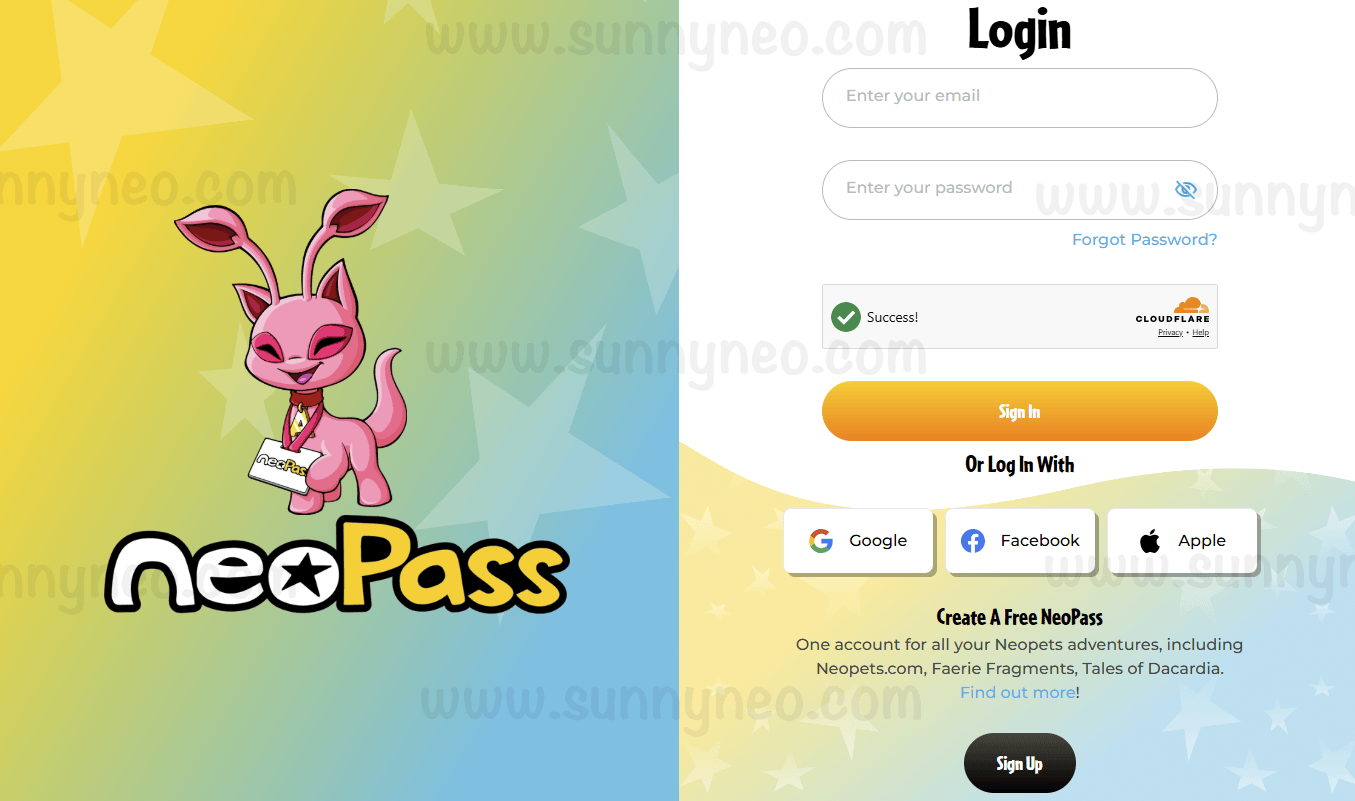
The first step in signing up is to enter your birthday. Note: This will not change your birthday as shown on Neopets.com if you are migrating an existing account.
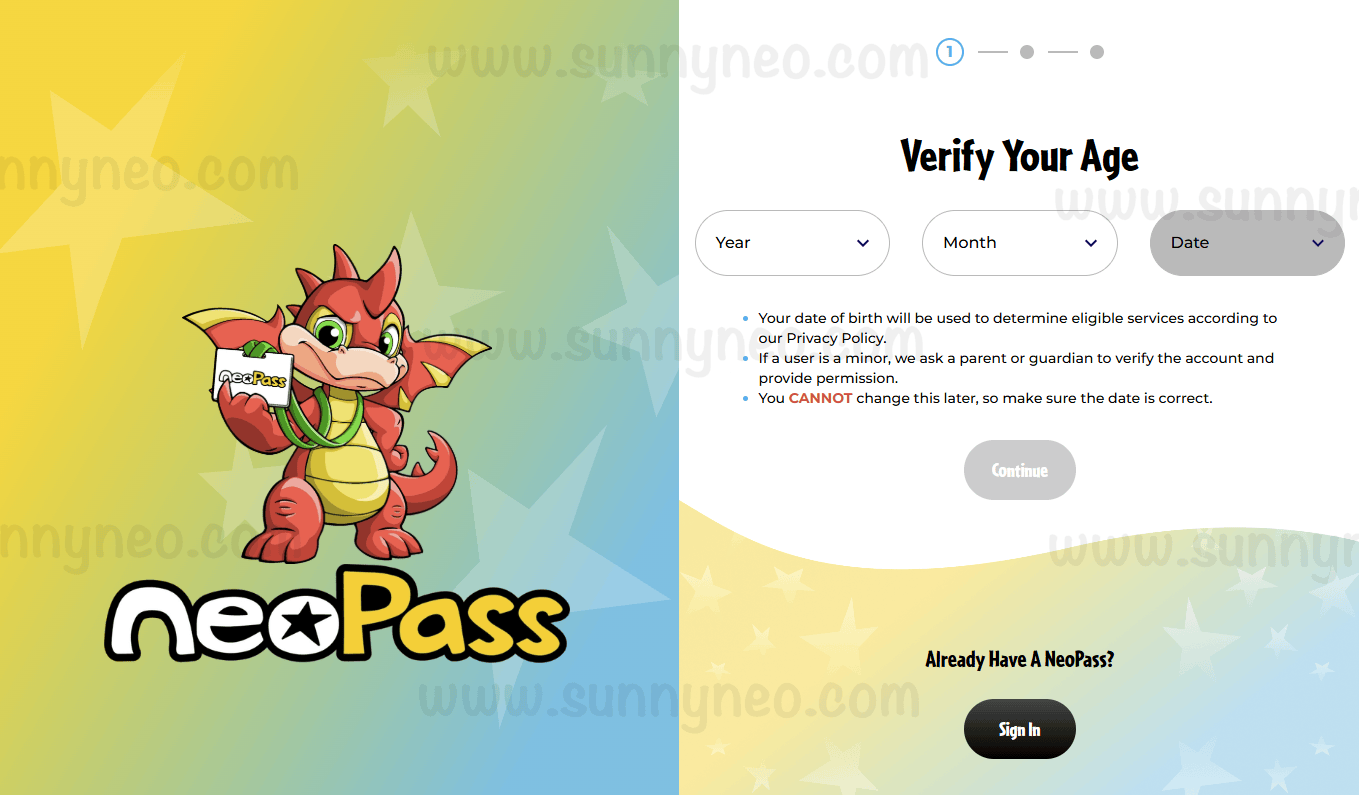
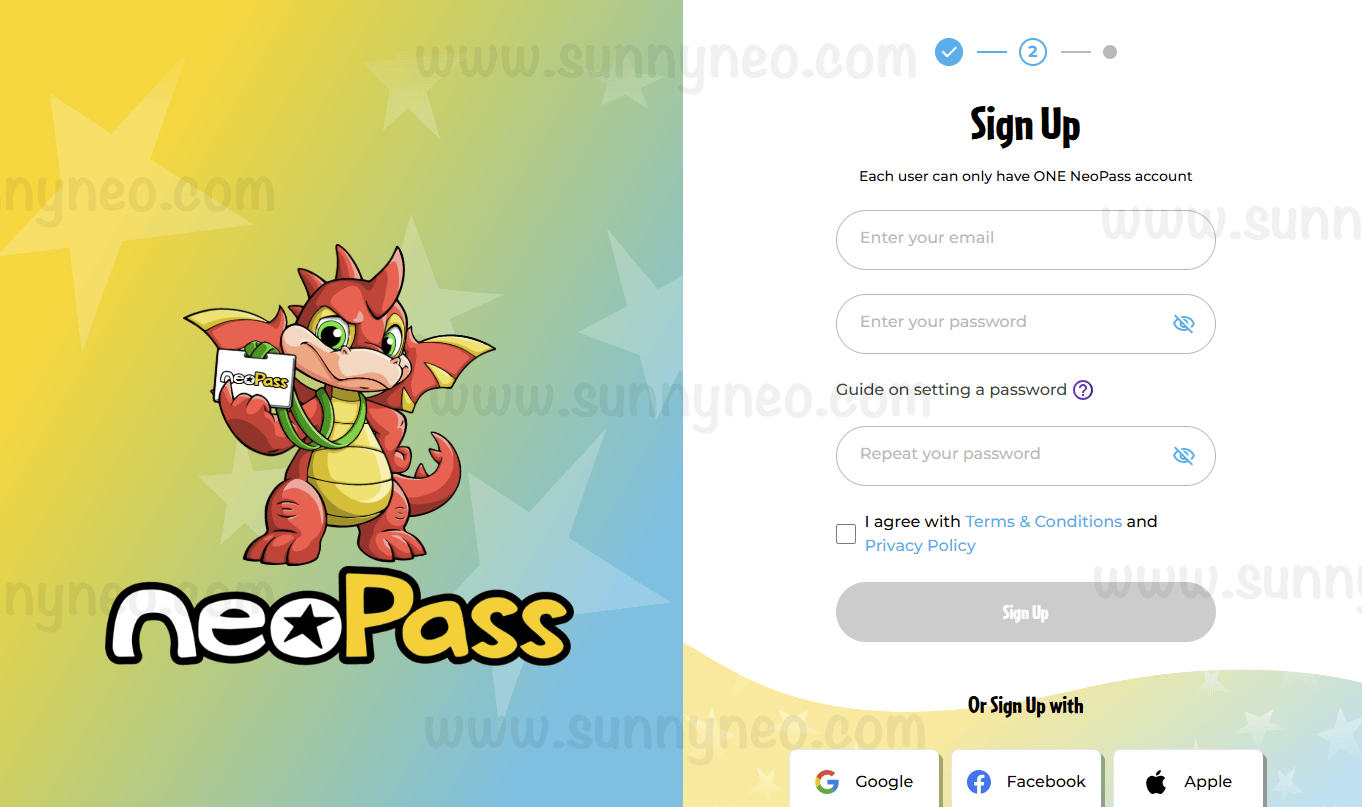
Next, enter your email and create a password. Alternatively, you can use alternative media platforms as a login such as your Google, Facebook, or Apple accounts. You can also choose to add social media accounts any time in your settings when your account is made. Be advised there is a known glitch when confirming your password for things (such as Neocash trading) if you choose to log in via an alternative method. It will bring you back to the account launch screen after confirming your password instead of moving forward. To fix this loop completely log out of NeoPass and log back in with your email. Thus, it is advised to not solely use an alternate log in for your NeoPass.
.
Once you've entered your email and password, you will need to verify your email. An email specifically from
[email protected] should appear in your inbox.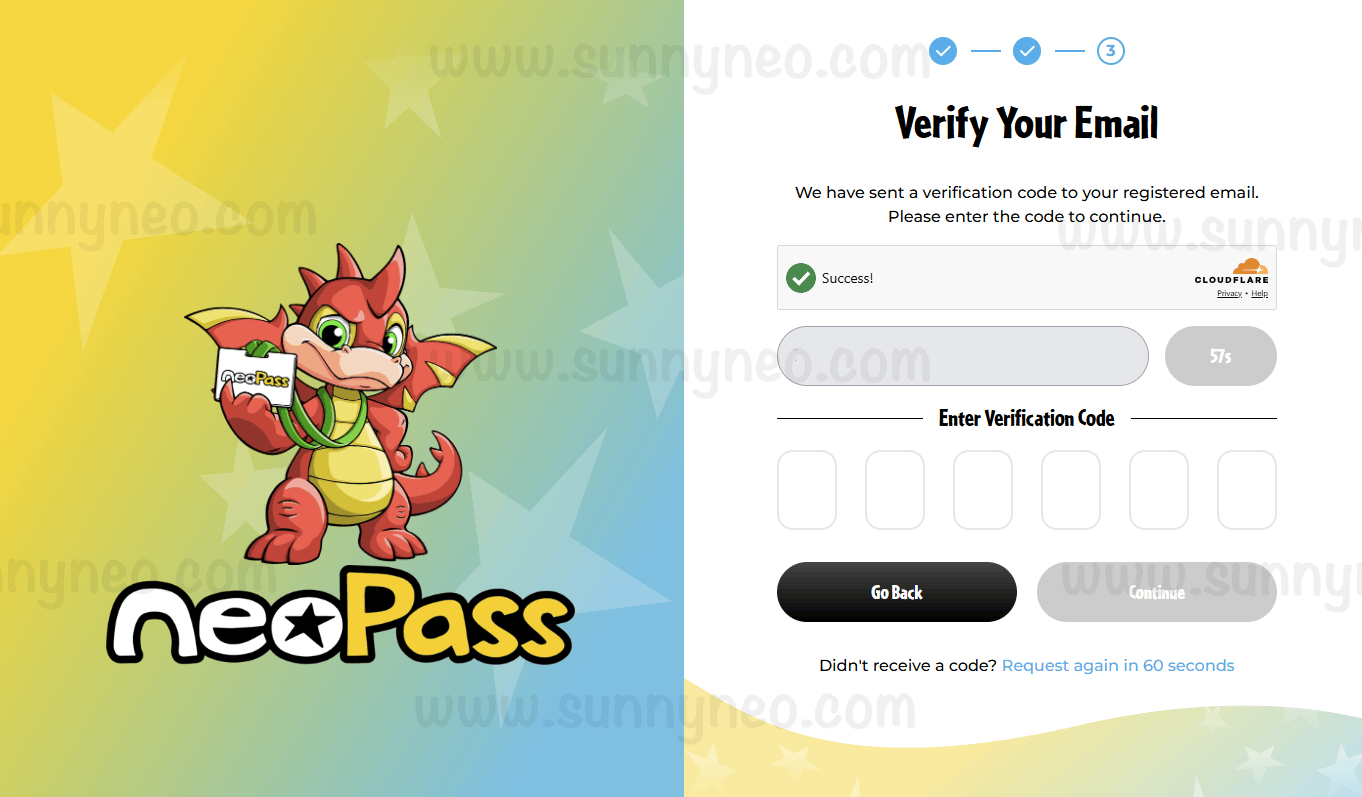 | 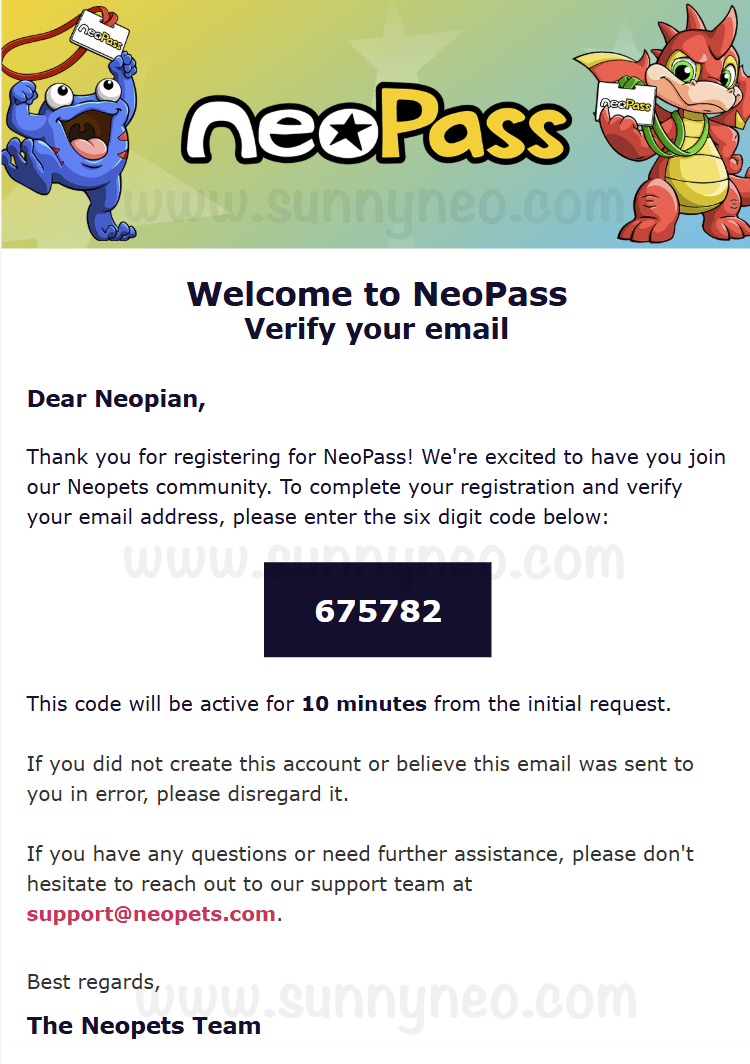 |
In your inbox, you will also receive a welcome email from
[email protected], showing that you successfully made your NeoPass account.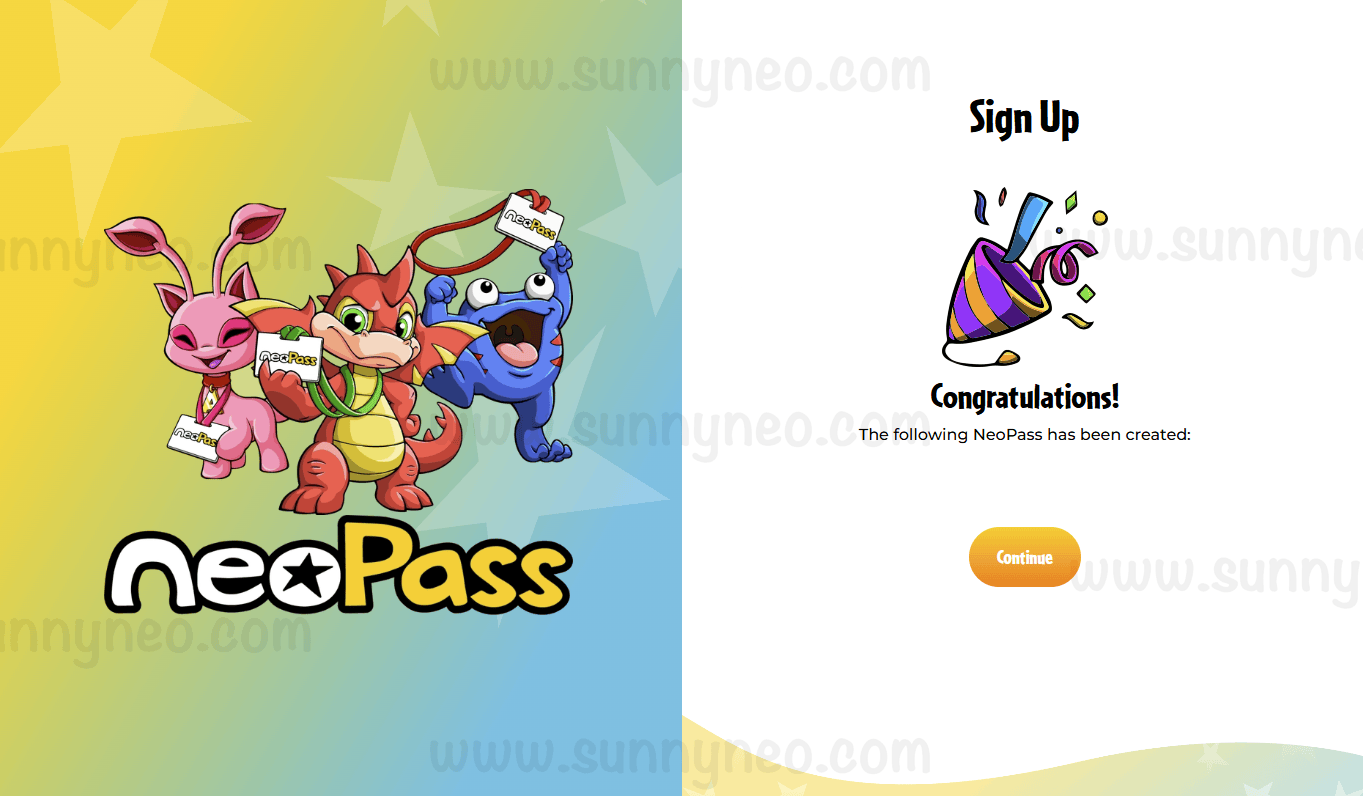 | 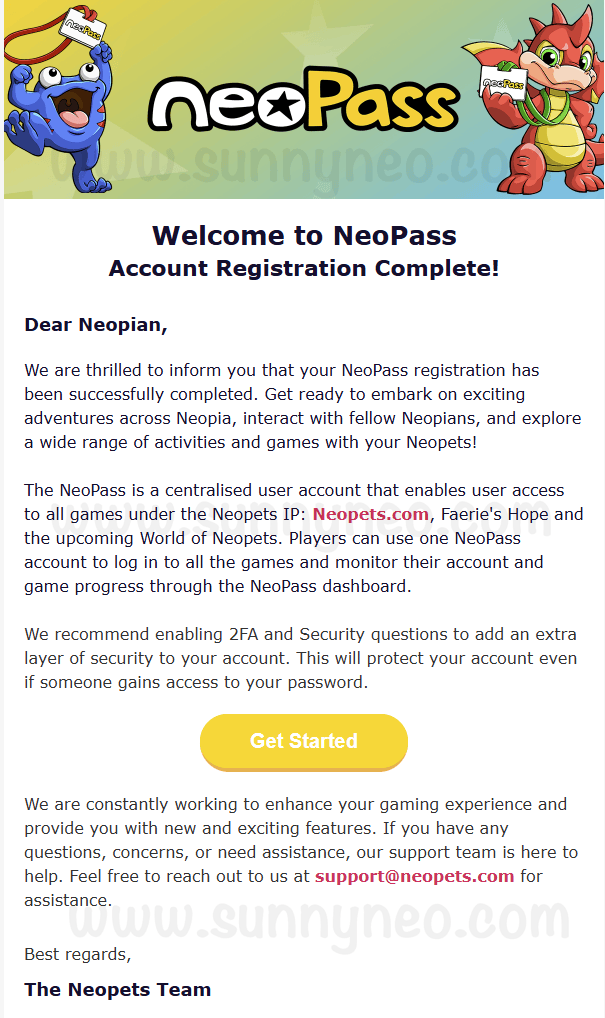 |
Polls
As of May 27, 2026, Polls were introduced to NeoPass with its main purpose of TNT gathering direct community feedback. In order to participate in polls, either your NeoPass account or your connected Neopets account must be at least 180 days old. Once able to vote, you are presented with a series of questions on various topics to help shape the future of Neopia. Each question gives choices to select from. The results are hidden until the poll is officially over, where all results will then be published for public view. Each poll has its own voting period, all of which can be seen at the top part of each question's box.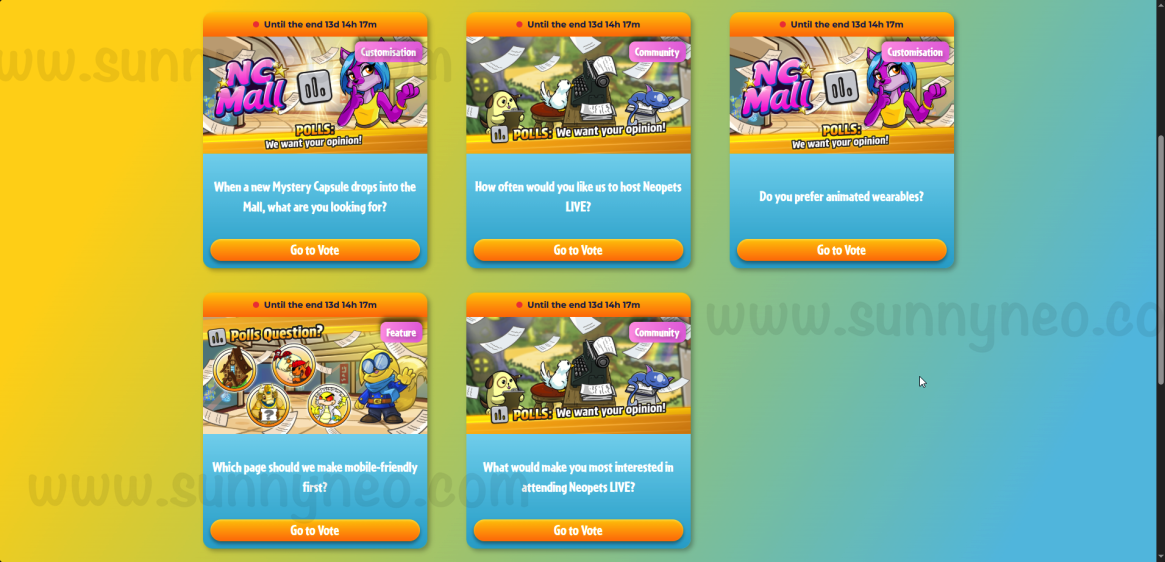
As long as the voting period is still active, you can change your voting choice by clicking the edit button next to
Voted. Once the voting period ends, your vote is locked in. 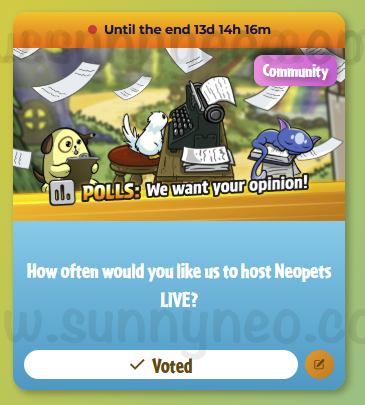
Settings
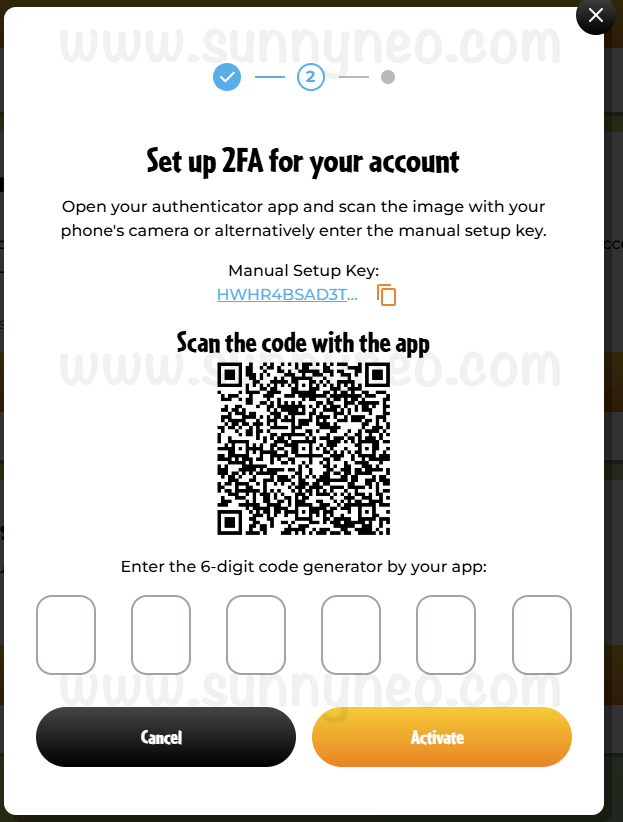
In your Settings page, you can change your gender, region, and state (if applicable), but you cannot change your date of birth. You can also change your email, or choose to connect your social media accounts such as Facebook, Apple, or Google to your NeoPass account. Note: if you choose to change your email, you cannot do so again for another 365 days.Additionally, you can change your password and set up security questions, too. You can also set up Two Factor Authentication (2FA/MFA), which we highly recommend. Microsoft Authenticator and Google Authenticator are two of the best applications, however, we recommend looking for what works best for you.
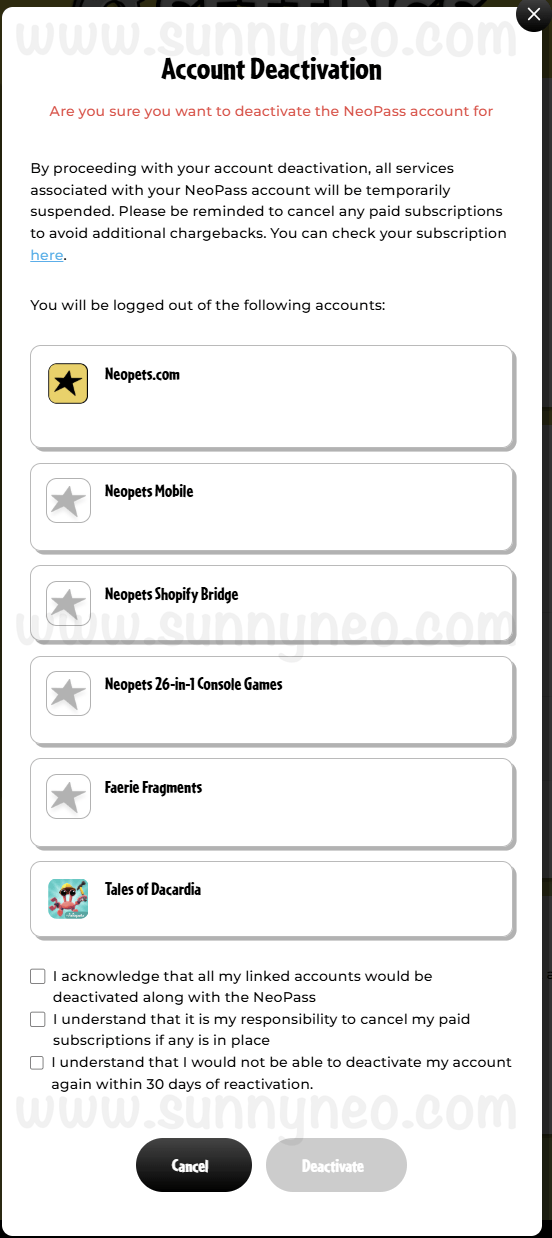
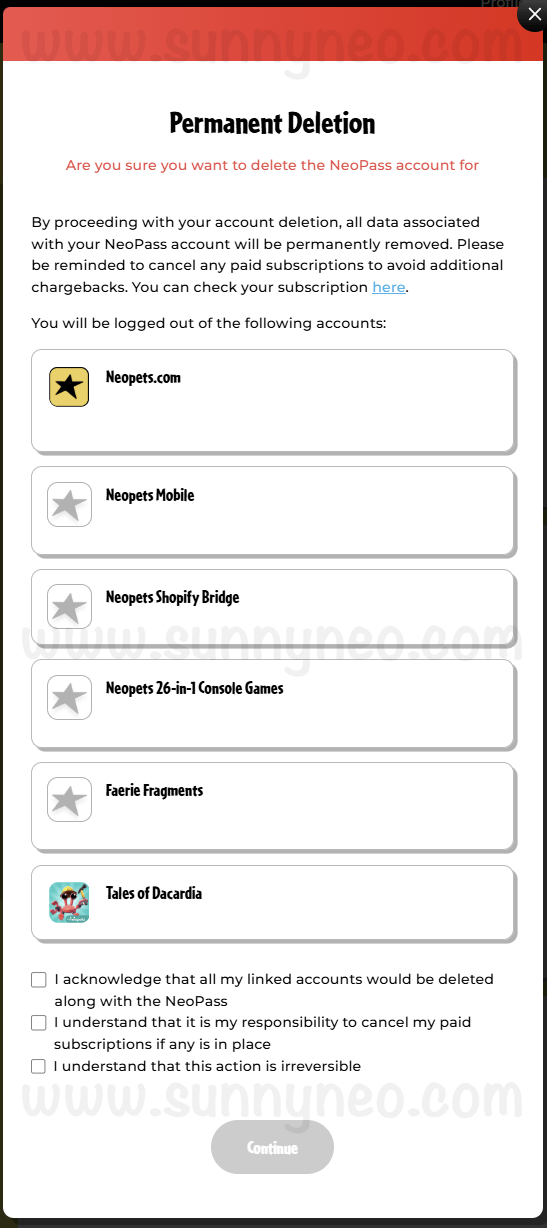
24 hours after your account has been created, you have the option to Deactivate or Delete your NeoPass account. This does not just undo NeoPass, but it will also eliminate all associated accounts that were attached to it, too. A deactivation is temporary for 30 days where you will be logged out of all connecting accounts. Note: Unless you cancel Premium, you will still be changed! A deletion is forever, and you will lose all data, including your neopets.com account! If you've chosen to deactivate or delete your NeoPass account, but want to come back and make a new one with the same email, you must wait at least 30 days.
 |  |
Adding Accounts
As mentioned, there are many games and services that can be added to your NeoPass account. Below are walkthroughs of how to add each game or service to your NeoPass account.Neopets
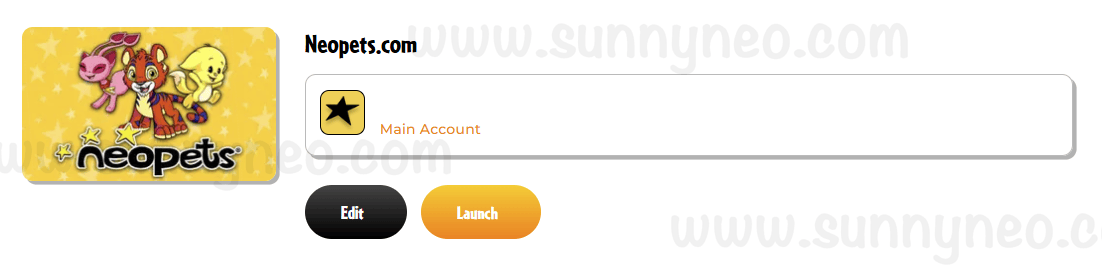
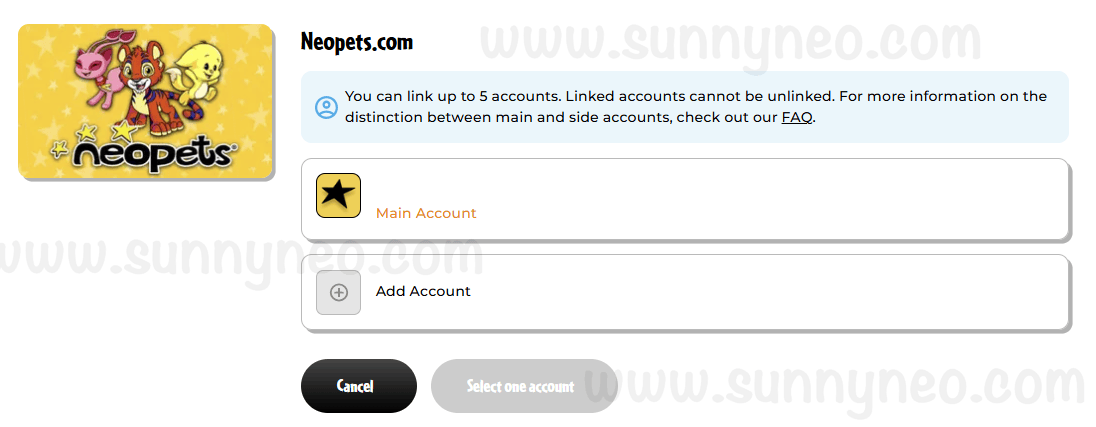
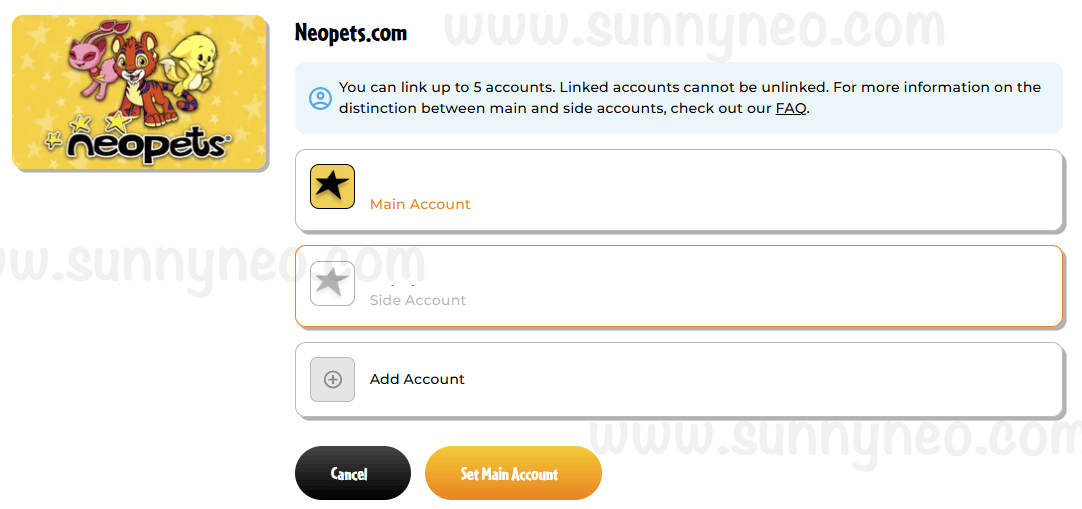
When connecting your Neopets.com accounts, you can only have one main account and four side accounts, making it a total of five accounts. You can either create a new account, or add an existing one.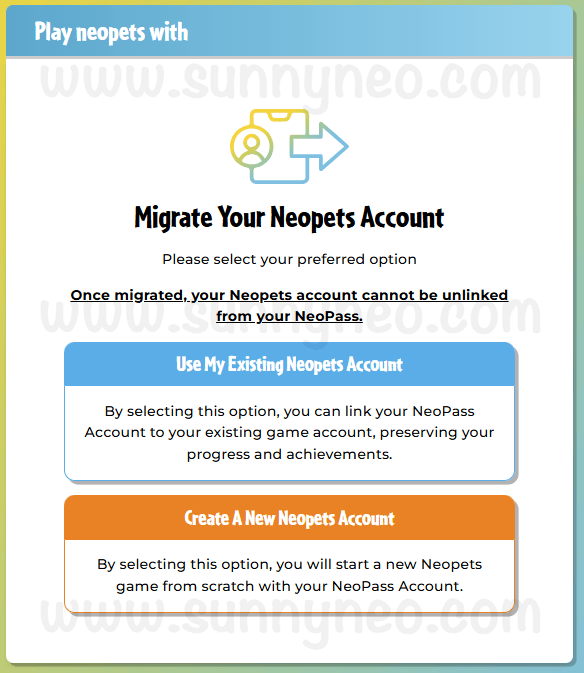
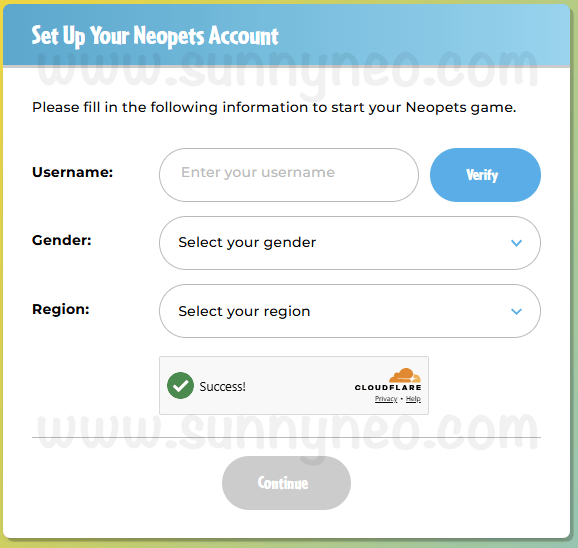
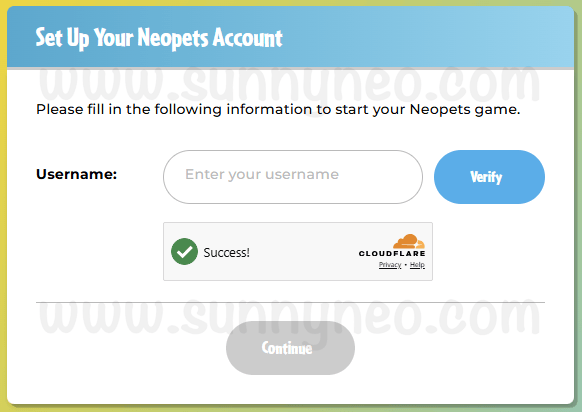
To add a new account, click Edit in the Neopets.com section to be able to click Add account like below.
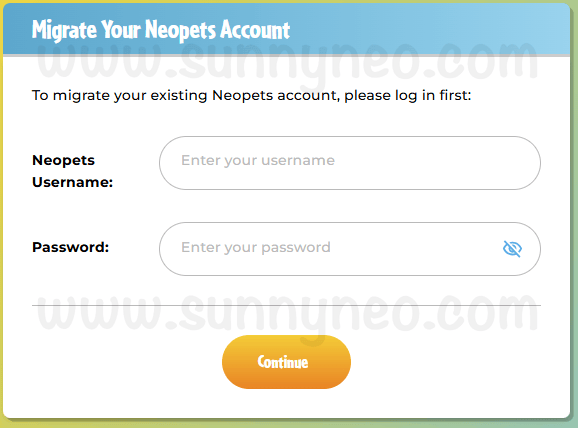
To add an existing account, simply enter your Neopets username and password.
It is possible to change your main account. Just click on the account that is designated as your side, and click Set Main Account.
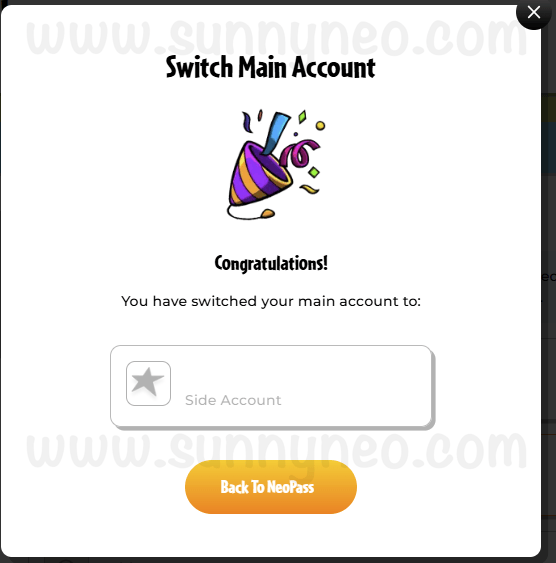
To know that you've successfully changed your main account, you will receive a popup confirming the switch. For more information about side accounts, check out our Side Accounts guide.
Neopets: Companion App
To connect your Neopets: Companion App, you need to first download the app on your iPhone or Android device. Click Sign In and you will be led to the main NeoPass login page. To continue connecting accounts, you must read and consent to the terms listed. For more information on the Neopets: Companion App, check out out guide.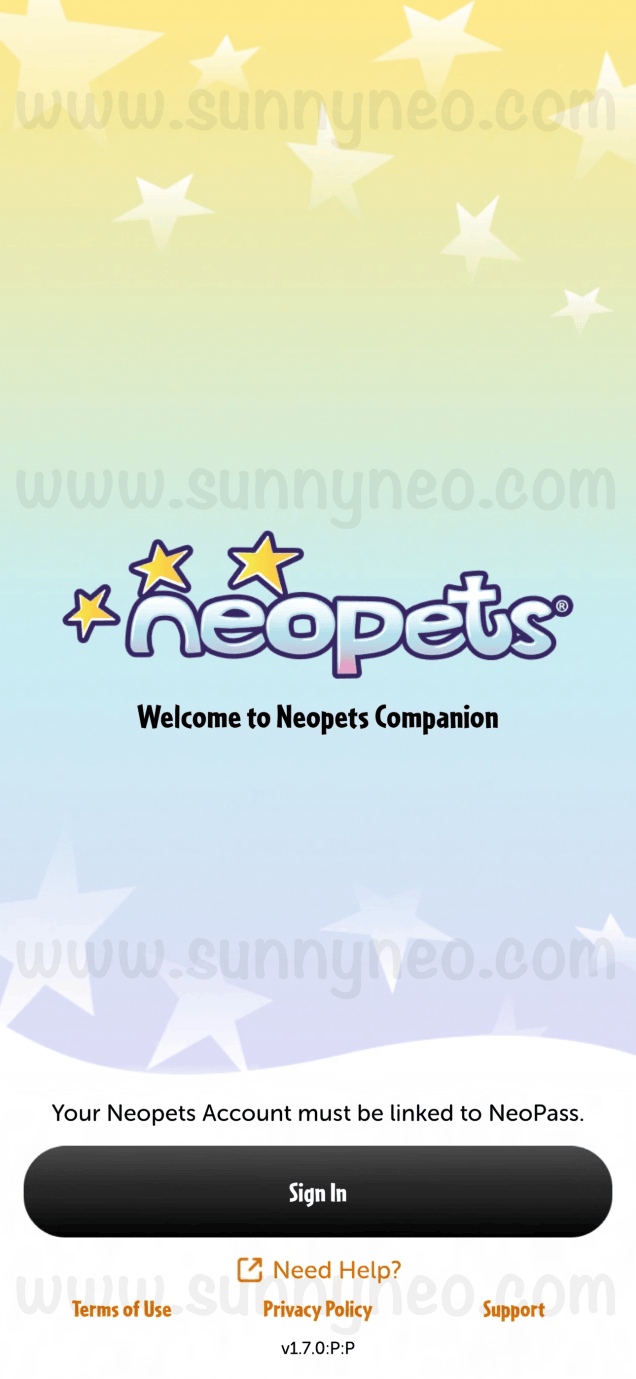 | 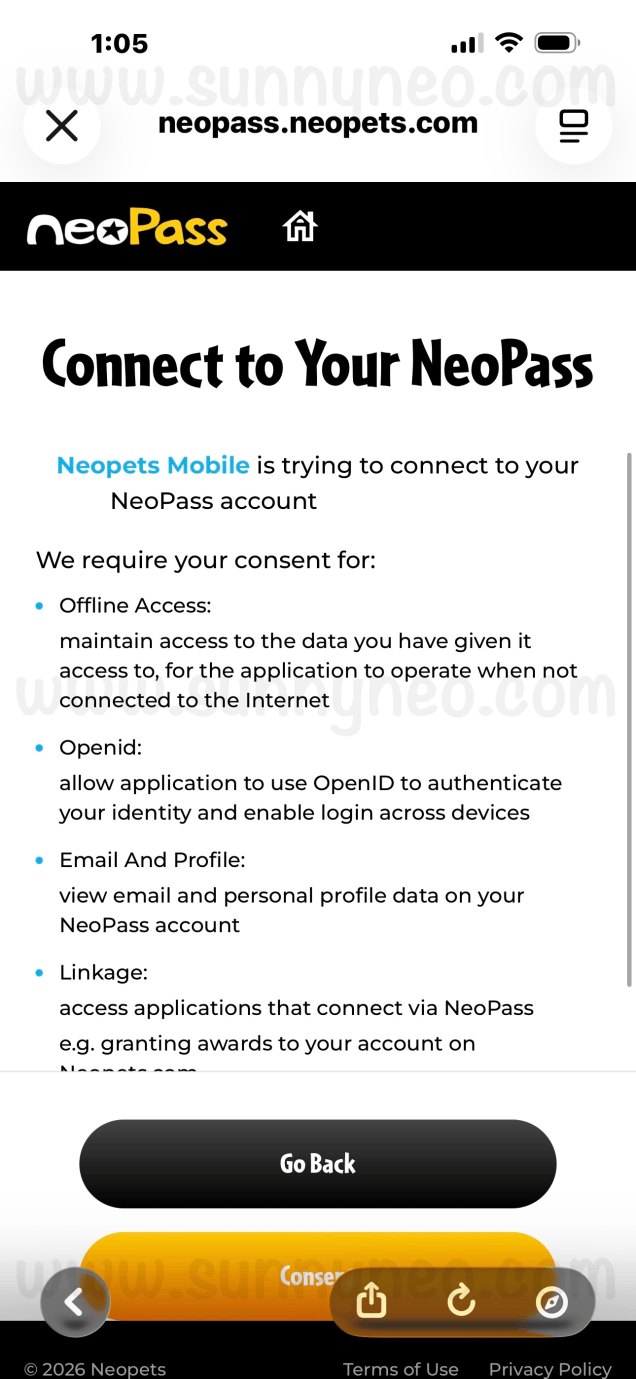 |
Tales of Dacardia
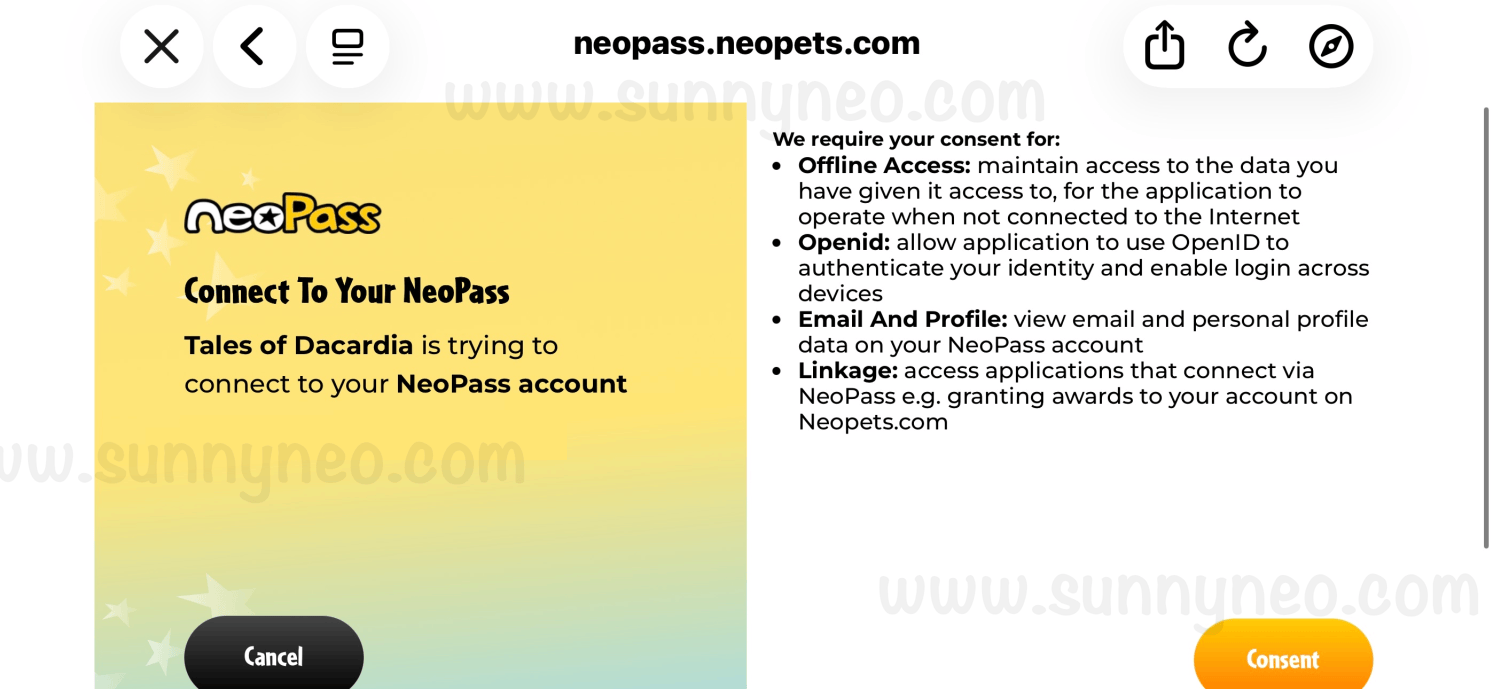
Tales of Dacardia is a Neopets gaming app that first needs to be downloaded to your iPhone or Android device. While you can play the game without a NeoPass, connecting the game will allow you to obtain extra on-site rewards. Tap Login for the main NeoPass sign in page to appear. To continue connecting accounts, you must read and consent to the terms listed. Tales of Dacardia guide coming soon!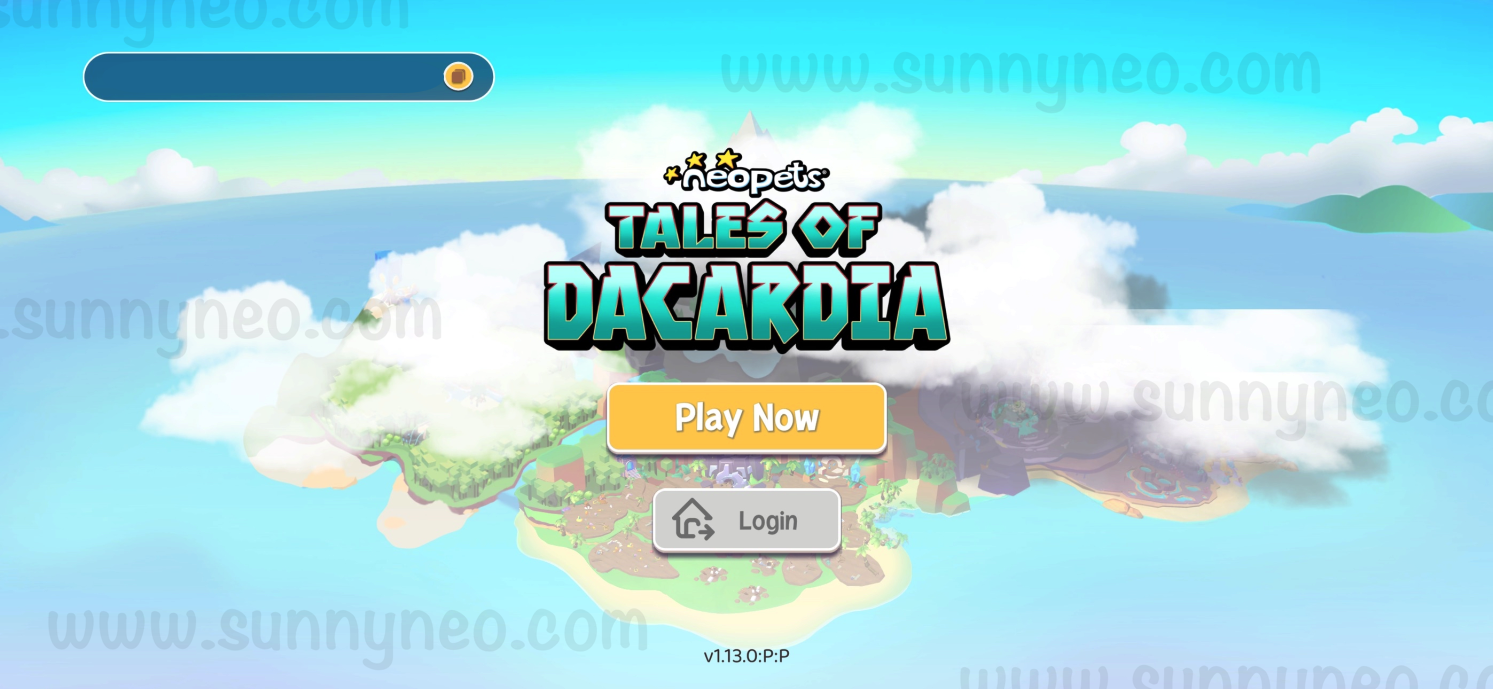
Faerie Fragments
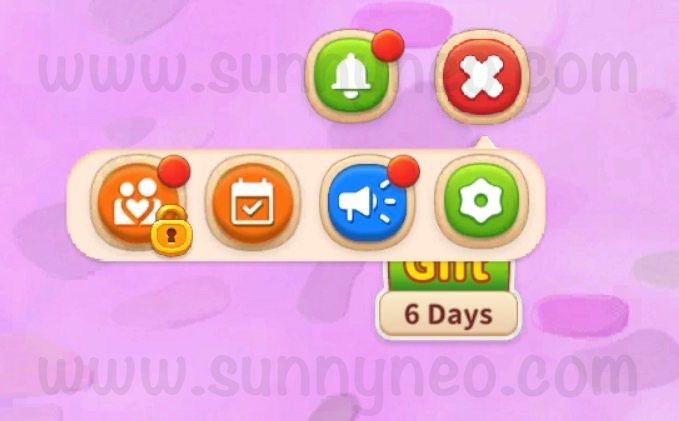
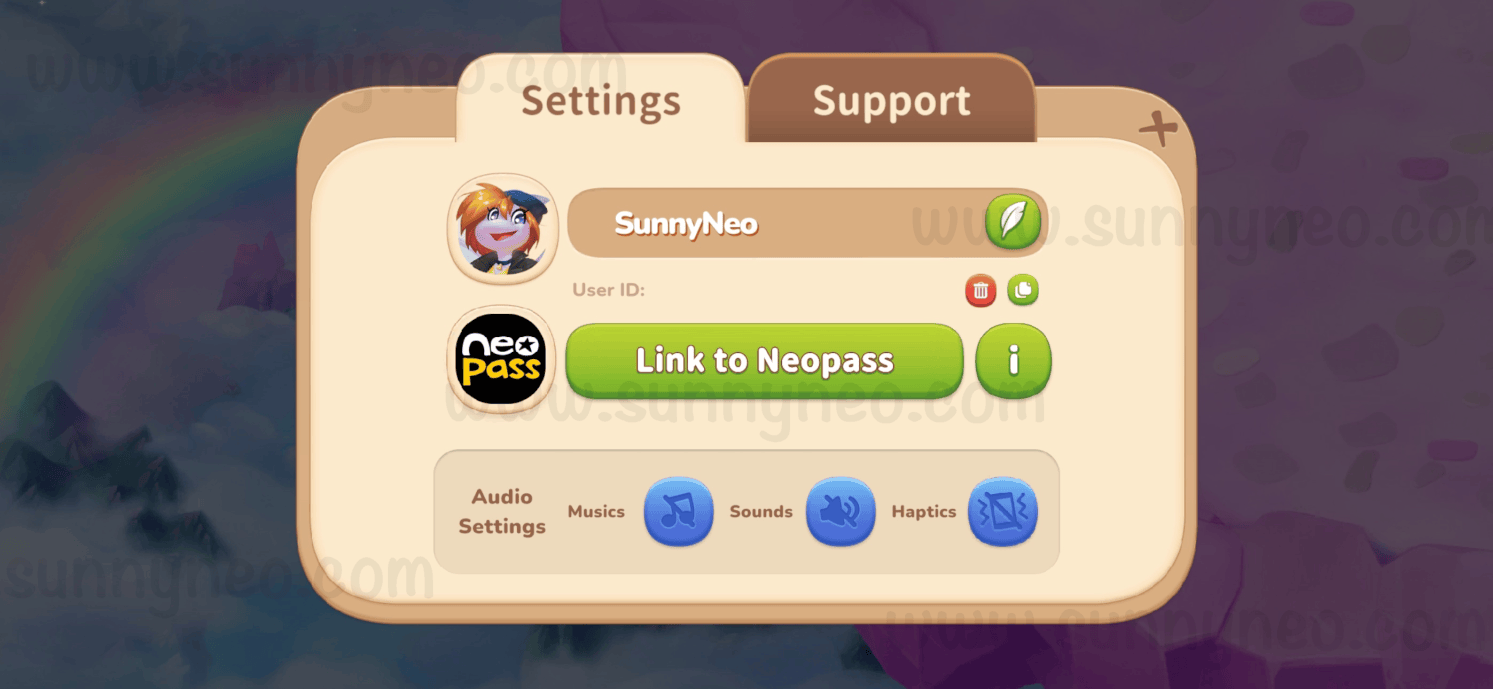
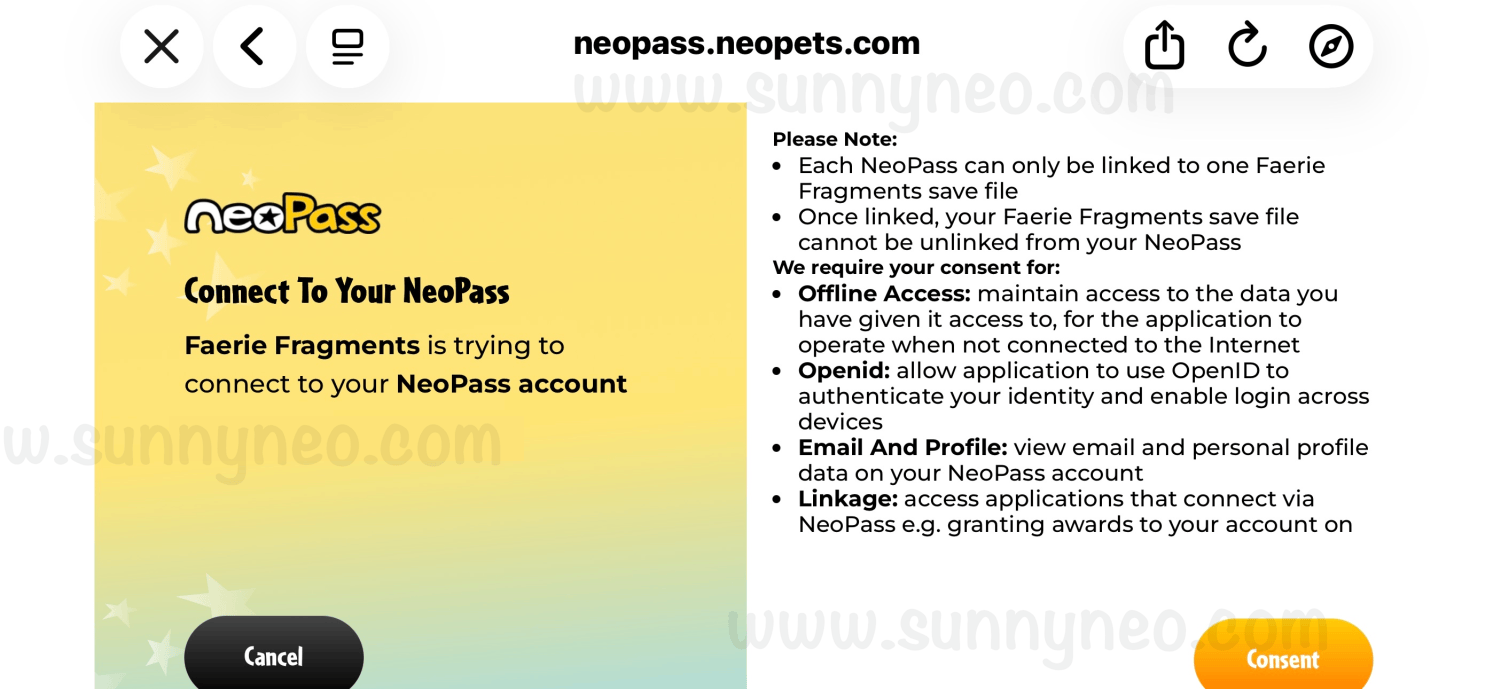
Faerie Fragments is also a Neopets gaming app that first needs to be downloaded to your iPhone or Android device. While you can play the game without a NeoPass, connecting the game will allow you to obtain extra on-site rewards. Unlike Tales of Dacardia, you cannot connect Faerie Fragments right away. You will need to play through the tutorial to be then be able to connect your NeoPass, which should take you roughy about 5 minutes.Once you get to the point where you can connect, click the icon on the top right-hand corner with three lines. Next, click the gear icon, and then click Link to NeoPass to see the main NeoPass sign in page popup. To continue connecting accounts, you must read and consent to the terms listed. Faerie Fragments guide coming soon!
The Neopets Shop
The Neopets Shop is where you can purchase Neopets merchandise from Neopets themselves or through official vendors.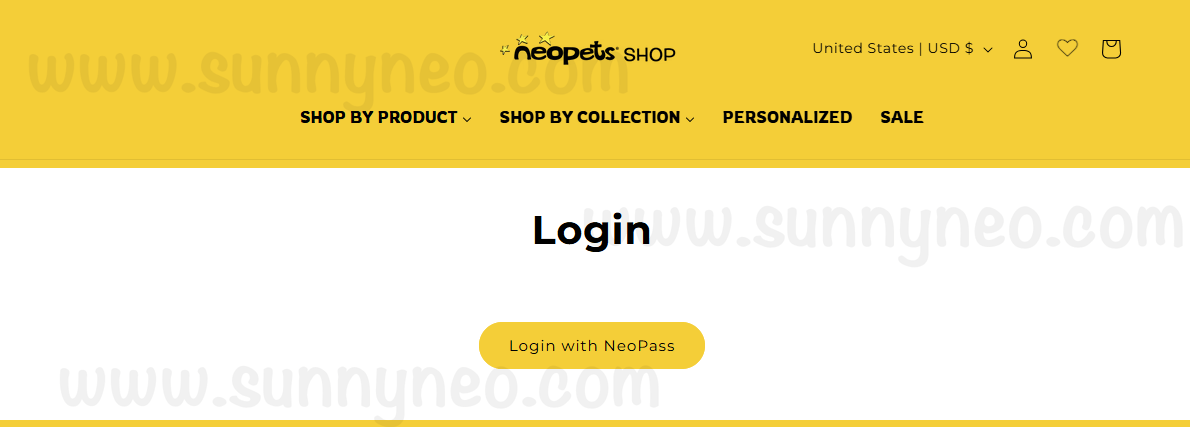
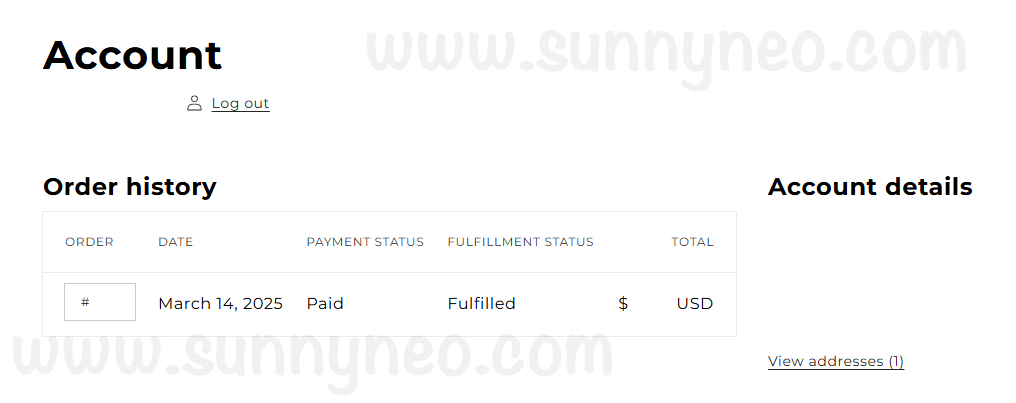
Adding your account, you will be able to see your order history and favorite items.
Neopets Mega Mini Games Collection
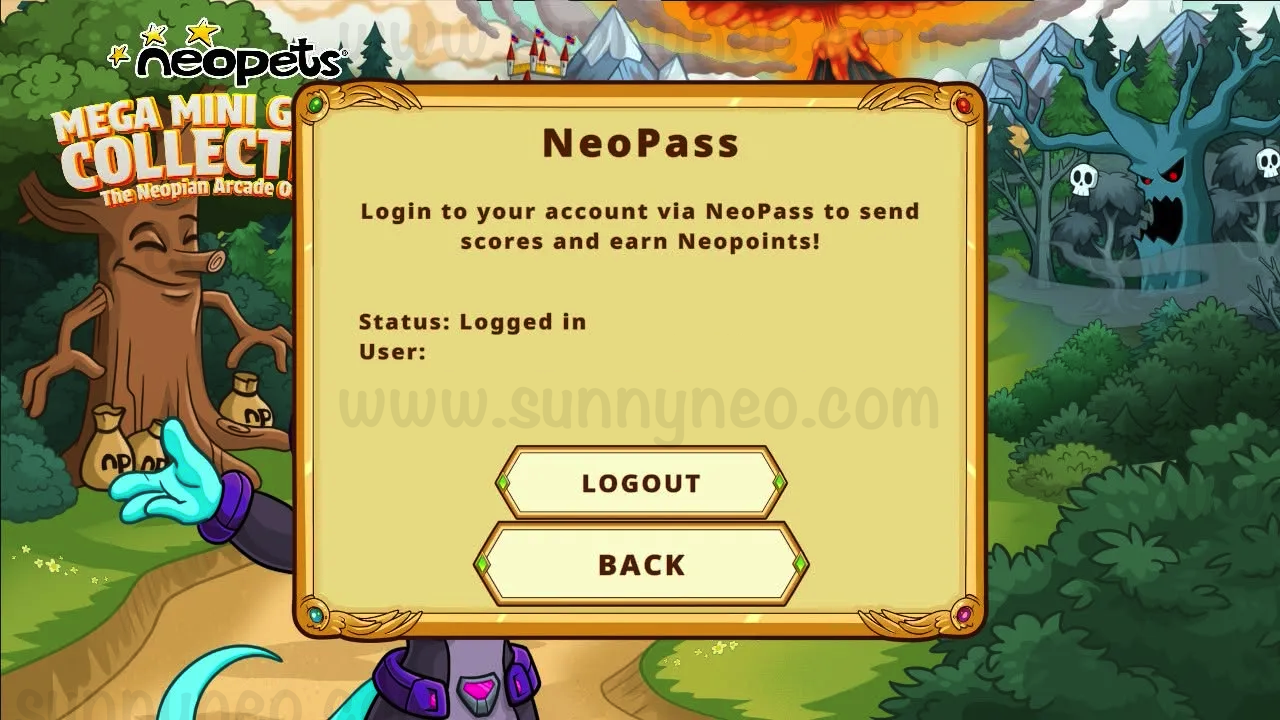
The Neopets Mega Mini Games Collection officially released on March 26, 2026 for Nintendo Switch, Playstation, Xbox, and PC. To connect to the console game, first click on the NeoPass button on the main page. If you're looking for a guide, check it out here!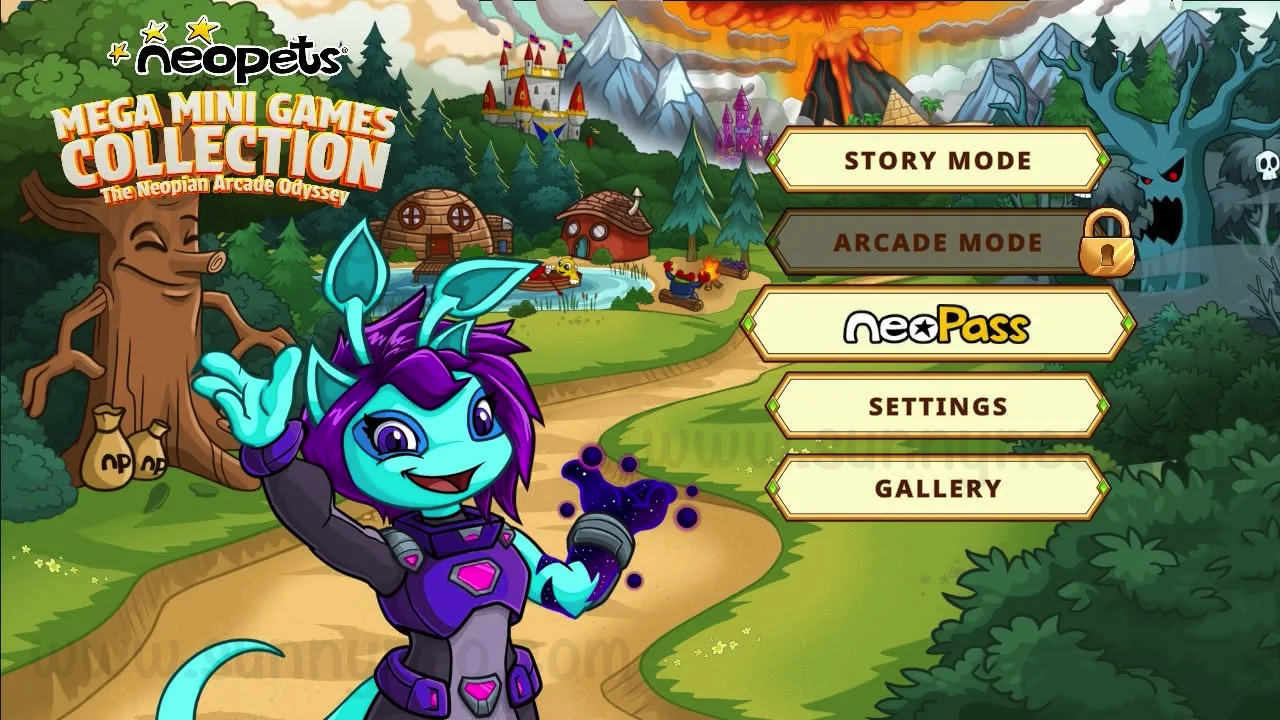
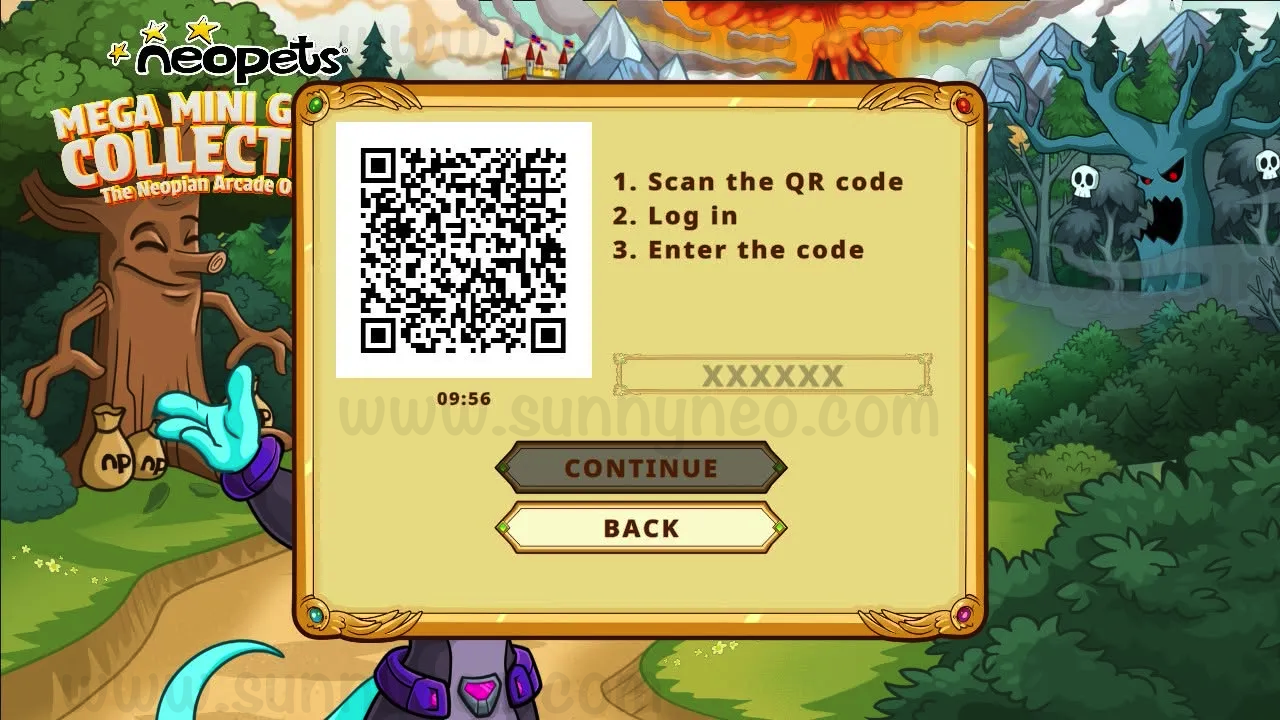
Next, login to your NeoPass account (from your phone), and immediately a six-digit alphanumeric code will be given for you to input.
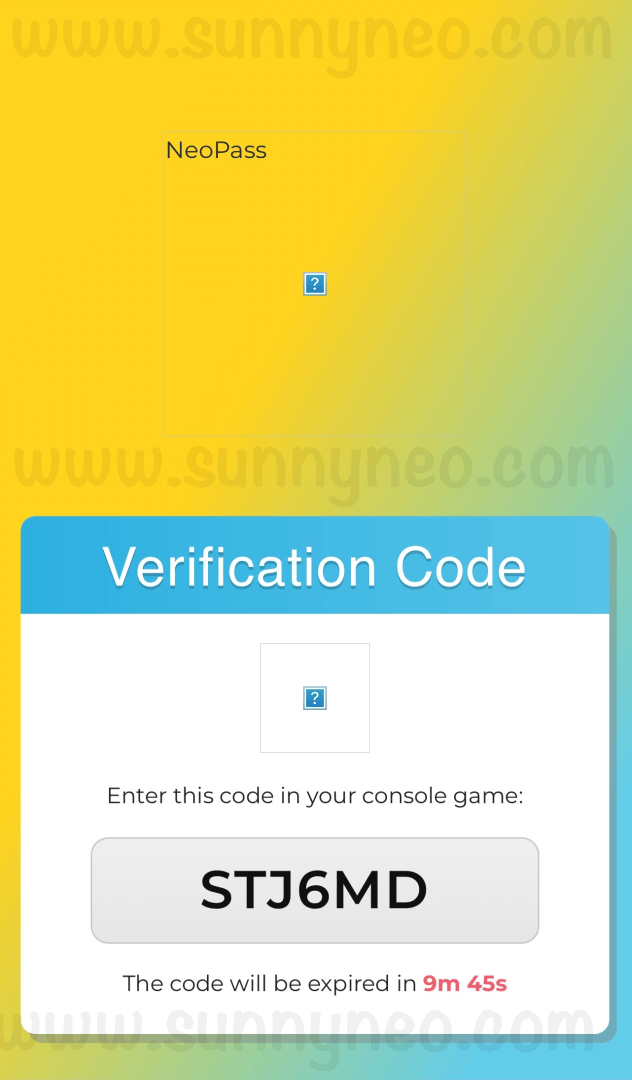
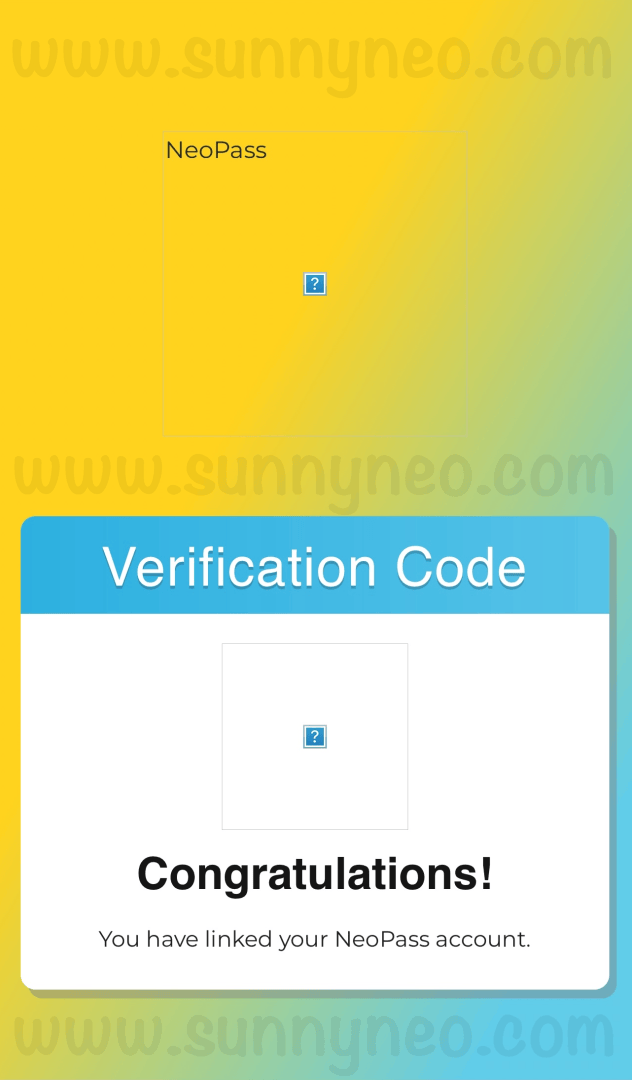
Enter the code from your phone into the game. You will then get a confirmation that your NeoPass is linked.
Social Media & Fan Sites
To connect to Facebook, Apple, or Google you may do so on the Settings Page. You will be prompted to use your NeoPass password before connecting. Each platform will want you to verify their terms before connecting. Once you do, you will get confirmation of connectivity. If you wish to disconnect your accounts, you can also do so from this page.
Currently the only fan site to connect with NeoPass is Dress to Impress. To connect them to your NeoPass log in and go to their settings page. After that you simply can just click the button to log in, it does not ask for any confirmation. If you do not have an account with them already one will automatically be created as soon as you click "Log in with NeoPass" so make sure you are logged in to your account first.

 {{ loadingMessage || 'Loading, one moment please'}}